
How to Check Telenor Number? Telenor Number Check Code 2026
Forgot your Telenor number and need it right now? You’re not alone it happens to almost everyone at some point, especially if you’re juggling more than one SIM. If you’re wondering how to check Telenor number instantly, the good news is Telenor gives you five free, no-balance-needed ways to check your own number in seconds. This guide covers all of them, plus what to do if none of them work.
Telenor Number Check Code (Quick Answer)
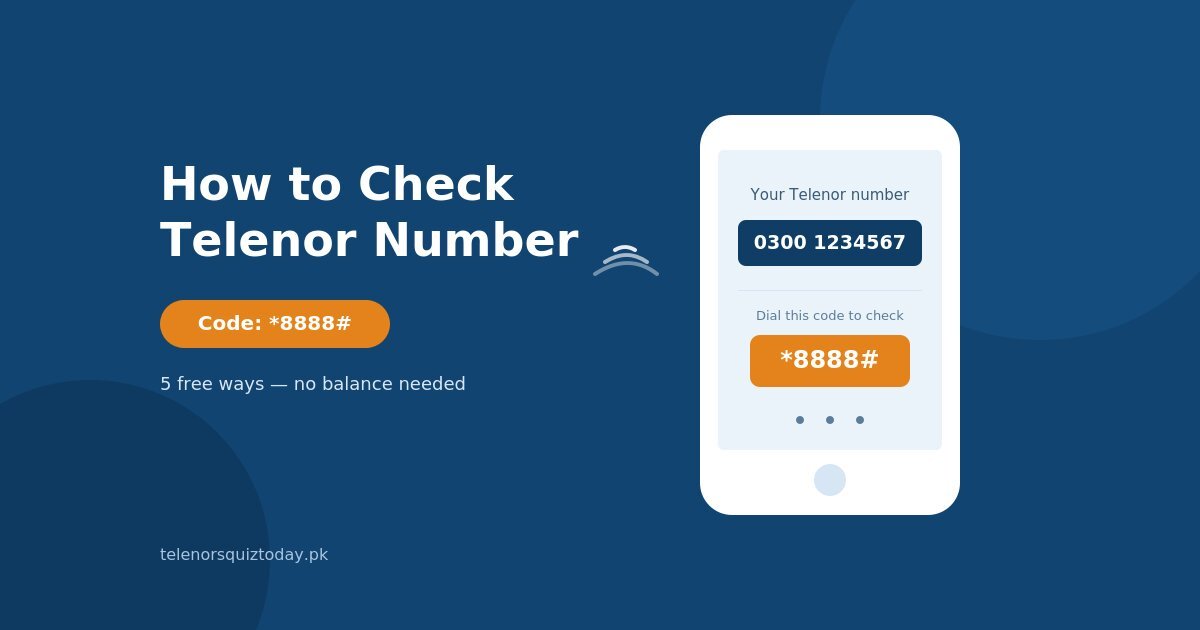
The official Telenor number check code is *8888#. Dial it from your Telenor SIM, press call, and your number appears on screen instantly no balance required.
If that code doesn’t respond in your area, *345*4007# works as a backup on most Telenor SIMs.
Method 1: USSD Code – Dial *8888#
- Open your phone’s dial pad.
- Type *8888#.
- Press the call button.
- Your Telenor number appears on screen within seconds.
This is the fastest method and works even with zero balance.
Method 2: SMS – Send a Blank Message to 7421
- Open your Messages app.
- Start a new message to 7421.
- Leave the message blank (or type “A”).
- Send it.
You’ll receive a reply SMS with your Telenor number in a few seconds. Standard SMS charges may apply on some SIMs, though most users report it going through free.
Method 3: My Telenor App
- Download My Telenor from the Google Play Store or Apple App Store.
- Open the app and log in with your SIM.
- Your number is displayed right on the home screen, along with your balance, remaining MBs, and active packages.
This method needs Wi-Fi or mobile data, so it’s best as a backup rather than your first option if you’re out of both balance and data.
Method 4: Missed Call to 7421
- Dial 7421 directly (as a call, not a text).
- Let it ring or end the call.
- You’ll receive an SMS shortly after with your Telenor number.
Useful if you don’t want to type out a text message.
Method 5: Call the Telenor Helpline (345)
- Dial 345 from another active Telenor number (or ask someone nearby to lend you their Telenor SIM).
- Provide your CNIC and the IMSI number printed on the back of your SIM card.
- The support representative will verify and share your number with you.
This is the slowest method but works as a reliable fallback when the codes and app aren’t accessible.
How to Check Telenor Number Without Balance
All five methods above work with zero balance that’s actually the main reason Telenor built them this way. If you’re completely out of balance and data, your best options are the USSD code (*8888#) or the missed call to 7421, since neither needs an active bundle or internet connection.
Telenor Number Check Code Not Working? Fixes
- Wait a minute and retry : network congestion can delay the USSD response.
- Confirm your SIM is active and properly inserted : a loose or inactive SIM won’t respond to any code.
- Try the backup code : if *8888# doesn’t work, try *345*4007#.
- Switch to the SMS or missed-call method : if USSD codes fail entirely in your area, texting or calling 7421 usually still works.
- Still stuck? Call the Telenor helpline at 345 from another number, or check the number printed on your original SIM packaging.
Stay Safe: What Not to Share When Checking Your Number
When using the 345 helpline method, only share your CNIC and IMSI with the official Telenor representative during that call never send these details to random numbers claiming to be Telenor support over SMS or WhatsApp. Telenor never asks for your CNIC through unsolicited messages, so treat any such request as a scam.
FAQs
What is the Telenor number check code?
The official code is *8888#. Dial it and your number appears on screen instantly, free of charge.
Can I check my Telenor number without balance?
Yes. All five methods in this guide USSD, SMS, missed call, the app (with Wi-Fi), and the helpline work without any balance.
Is there a way to check my Telenor number through SMS?
Yes. Send a blank SMS to 7421 and you’ll get a reply with your number.
What if *8888# doesn’t work on my SIM?
Try the backup code *345*4007#, or use the SMS/missed-call method to 7421 instead.
Can I check my number using the My Telenor app?
Yes. Once logged in, your number is shown on the app’s home screen along with your balance and package details.
What should I do if my SIM is inactive?
An inactive SIM won’t respond to USSD codes. Insert it into a working phone, connect to Wi-Fi, and check via the My Telenor app, or call the 345 helpline from another number for help reactivating it.
Final Thoughts
Now that you know how to check Telenor number the easy way, you never need to worry about forgetting it again. Dial *8888# for the fastest result, keep the SMS-to-7421 method as backup, and save your number in your contacts once you’ve found it.

2 Comments