
Telenor Loan Code 2026: How to Get Emergency Balance
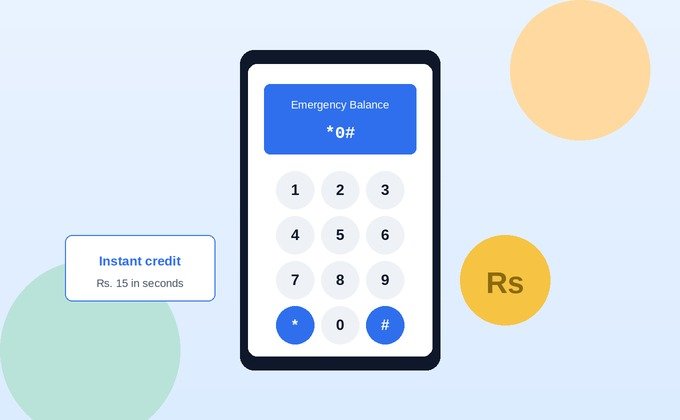
The Telenor loan code is *0#. Dial it from your prepaid Telenor SIM, confirm the request, and Rs. 15 in emergency balance is credited to your account instantly a small service charge (roughly Rs. 3.5 plus tax) is deducted automatically on your next recharge.
You’re almost certainly here because your balance just hit zero at the worst possible moment. Good news: the fix takes under ten seconds. But before you dial, it’s worth knowing a couple of things most guides skip including why you might see different numbers floating around online, and what to do if *0# doesn’t work the first time.
What Is the Telenor Loan Code (Advance Balance)?
The Telenor loan code activates what Telenor officially calls Advance Balance a short-term credit for prepaid users who’ve run out of balance and can’t recharge immediately. It’s not a bank loan and it’s not free money; think of it as Telenor briefly covering you, then quietly collecting it back the next time you top up.
It exists for exactly the situation you’re probably in right now: you need to make an urgent call, send a message, or grab a bit of data, and your balance won’t cover it.
Also Read: Telenor Golden Numbers on OLX: Buying & Selling Guide (2026)
How Much Do You Actually Get From the Telenor Loan Code?
Here’s something worth clearing up, because it’s genuinely confusing if you’ve searched this before landing here: different sites quote different numbers for this service, and it’s not always clear which one is current.
Most current sources confirm the Telenor loan code delivers Rs. 15 in advance balance, with a service charge of roughly Rs. 3.5 plus tax deducted on your next recharge. You’ll occasionally see an older figure of Rs. 30 mentioned elsewhere that appears to be outdated information rather than a currently active tier, so if you’re seeing conflicting numbers, treat Rs. 15 as the reliable figure and confirm the exact amount shown to you on-screen after dialing, since Telenor does display the real number at the point of confirmation.
How to Get a Telenor Loan 3 Ways
You’ve actually got three separate paths to the same result. Pick whichever fits your situation.
Via USSD Code (*0#)
This is the fastest method and works on any phone, smartphone or basic:
- Open your dial pad.
- Type
*0#and press call. - Confirm the request when prompted.
- Rs. 15 lands in your account within seconds, along with a confirmation SMS.
No internet connection needed this runs over the regular cellular network.
Via the My Telenor App
If you’d rather not remember a code, the app handles it with a couple of taps:
- Open the My Telenor App and log in.
- Go to My Account.
- Select Advance Loan (or Advance Balance, depending on your app version).
- Tap Get Loan to receive the credit instantly.
Via Easypaisa App
A lesser-known but equally valid third option, useful if you already have Easypaisa installed:
- Open the Easypaisa app.
- Navigate to Mobile Load → Get Advance.
- Confirm the request.
- The advance balance is credited to your Telenor number immediately.
All three methods pull from the same underlying service, so use whichever is fastest for you in the moment there’s no advantage to one over the other beyond convenience.
Eligibility Requirements
Not every SIM qualifies automatically. Based on Telenor’s published terms and consistent with what’s confirmed across verified sources, you’ll generally need:
- An active Telenor prepaid SIM (postpaid users aren’t eligible for this service)
- A SIM that’s been active and recharged relatively recently commonly cited as within the last 30 days
- No outstanding advance loan already pending you can’t stack a second loan on top of an unpaid one
- A SIM that’s been registered for a minimum period (sources vary between 30 and 90 days, so if you’re on a very new connection, this may be why a request fails)
If your SIM has been sitting idle for a while, reactivating it with a recharge first is usually what unlocks eligibility again.
How to Check Your Balance After Getting the Loan
Once you’ve dialed the Telenor loan code, it’s worth confirming the credit actually landed before you rely on it for an urgent call.
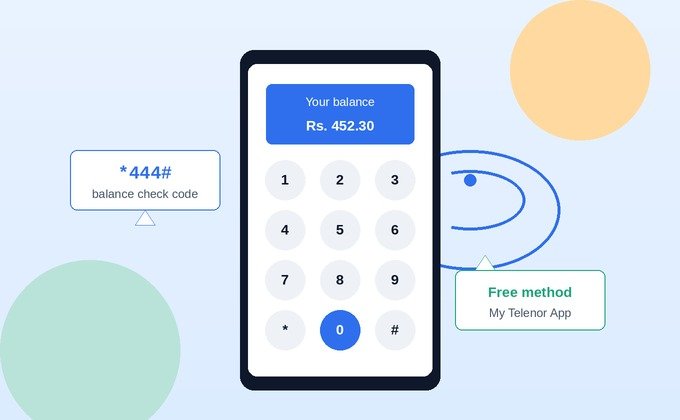
Dial *444# to check your main balance, or *999# for remaining internet MBs. Both show up within seconds. If you’d rather see it visually, the My Telenor App displays your current balance directly on the home screen useful if you’ve already got the app open from requesting the loan itself.
How to Unsubscribe from Telenor Advance Balance
If you’d rather not have advance loans offered or auto-applied going forward, you can opt out though most guides mention this exists without actually explaining how.
The most reliable route is through the My Telenor App: go to My Account → Advance Loan, and look for an unsubscribe or opt-out option within that same menu. If you don’t see it there, contacting Telenor support directly through the app’s live chat or by dialing 345 will get it handled worth doing explicitly rather than assuming a single dial code exists for opting out, since this varies by account setup.
Why *0# Might Not Be Working for You
If you dial the Telenor loan code and nothing happens, it’s rarely a broken code it’s almost always one of these:
- You already have an unpaid advance loan you’ll need to recharge and clear it before requesting another.
- Your SIM doesn’t meet the activity requirement too new, or hasn’t been recharged recently enough.
- You’re on postpaid this service is prepaid-only.
- Weak signal USSD codes need a stable connection to process; move somewhere with better reception and retry.
If none of these apply and it’s still failing, the My Telenor App or Easypaisa methods above are worth trying as a backup occasionally one channel has a temporary issue while the others work fine.
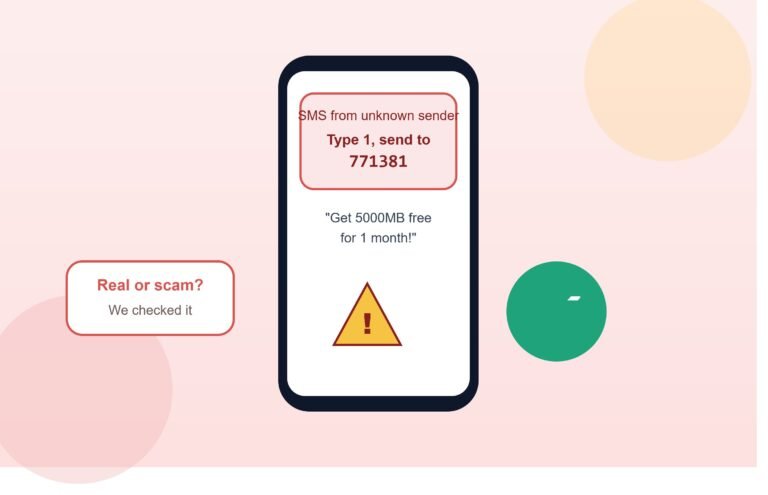
Also Read: Telenor Free Internet 771381: Real or Scam? (2026 Fact-Check)
Is the Telenor Loan Code Safe? Avoiding Fake Loan Offers
This is worth addressing directly, because “emergency loan” is exactly the kind of phrase scammers like to imitate.
The real Telenor loan code is *0#, dialed directly from your own phone it never requires you to send money first, share your CNIC, or click a link in an SMS claiming to “activate” your loan. If you ever see a message offering a bigger loan amount than usual, asking for a small “processing fee” upfront, or directing you to an external website to claim advance balance, treat that as a scam attempt rather than a Telenor service. The genuine version of this service only ever involves dialing the code, using the official app, or going through Easypaisa directly nothing else.
Frequently Asked Questions
What is the Telenor loan code?
*0#. Dial it from your prepaid Telenor SIM to receive Rs. 15 in emergency advance balance instantly.
How much does the Telenor loan code give you?
Rs. 15, with a service charge of roughly Rs. 3.5 plus tax deducted automatically on your next recharge. Older mentions of Rs. 30 online appear outdated.
Can postpaid users use the Telenor loan code?
No this service is available only for prepaid Telenor customers.
Why isn’t 0# working on my phone?
Most commonly it’s an existing unpaid loan, a SIM that’s too new or hasn’t recharged recently, or weak signal. Postpaid SIMs aren’t eligible at all.
How do I check my balance after getting the loan?
Dial *444# for your main balance or *999# for MBs, or check the My Telenor App home screen.
How do I unsubscribe from Telenor Advance Balance?
Go to My Account → Advance Loan in the My Telenor App and look for the opt-out option, or contact support via live chat or by dialing 345.
Is the Telenor loan code safe to use?
Yes, when used directly through *0#, the My Telenor App, or Easypaisa. Be cautious of any SMS or website asking for a “fee” or personal details to unlock a bigger loan that’s not how the real service works.
Final Thoughts
The Telenor loan code *0# is a genuinely useful safety net for the moment your balance runs out at the worst time, and it takes seconds to use. Stick to Rs. 15 as the reliable figure if you’ve seen conflicting numbers elsewhere, confirm the credit landed with a quick *444# check, and treat any “bigger loan, just pay a fee first” message as the scam it almost certainly is.
One Comment